Buying guide
How to choose an ATEX tablet.
Four steps, in this order.
Step 1 · Use case
Why do you need a tablet?
For calls and basic tasks a smartphone is easier to carry.
Apps
Enterprise software on site
Your own applications, in the field
Logs
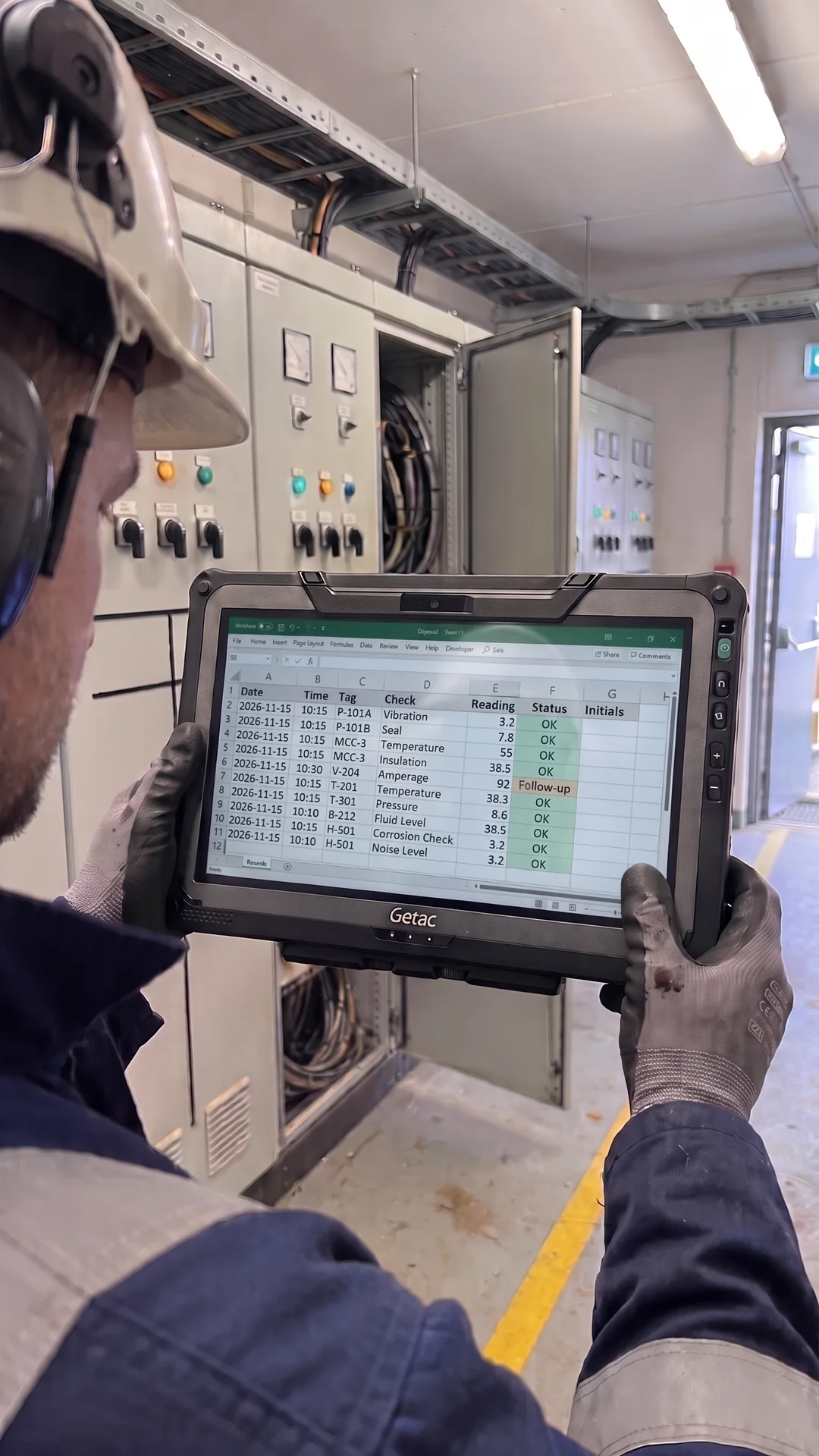
Datalogging during inspections
Readings entered where you take them
Calls
Video calls with engineers
Show the problem instead of describing it
Data
Dashboards and inspection reports
Detail that needs a larger screen
Step 2 · Operating system
Start with your software.
Using MDM? That often means one operating system. Check with IT first.
1
Android
For apps that only exist on Android
2
Windows
For Microsoft Office and Windows software
3
iOS
Apple
Step 3 · Hardware
Then look at the hardware.
Power
A battery that lasts a full shift
Windows uses more power than Android
Speed
Processor and memory
Matters most for heavy Windows software
Lens
Megapixels and low-light quality
Only inspecting? A camera may fit better
Size
A larger screen adds weight
Think about how it is carried
Quick check
May you charge it inside the zone?
Step 4 · Certification
The marking must match your zone.
Sort this out before you compare specs and prices. A Zone 1 tablet always costs more than a Zone 2 one.
Not sure which zone you work in? Check the Explosion Protection Document for your site, or ask your safety officer.
For example
Getac F110G7-EX.
Windows 11 Pro, 11.6 inch screen, Zone 2 (gas) and Zone 22 (dust).
Lead time on request.
Or keep your tablet
Put your own tablet in a case.
The Armadex Ex UniCase is a reusable ATEX and IECEx case for Zone 2/22. Swap the inlay and another 10 to 11 inch tablet fits.
Not sure which tablet fits? Ask us, we'll help you out.
cobic-ex.com · sales@cobic-ex.com